Photo & Graphic Editing
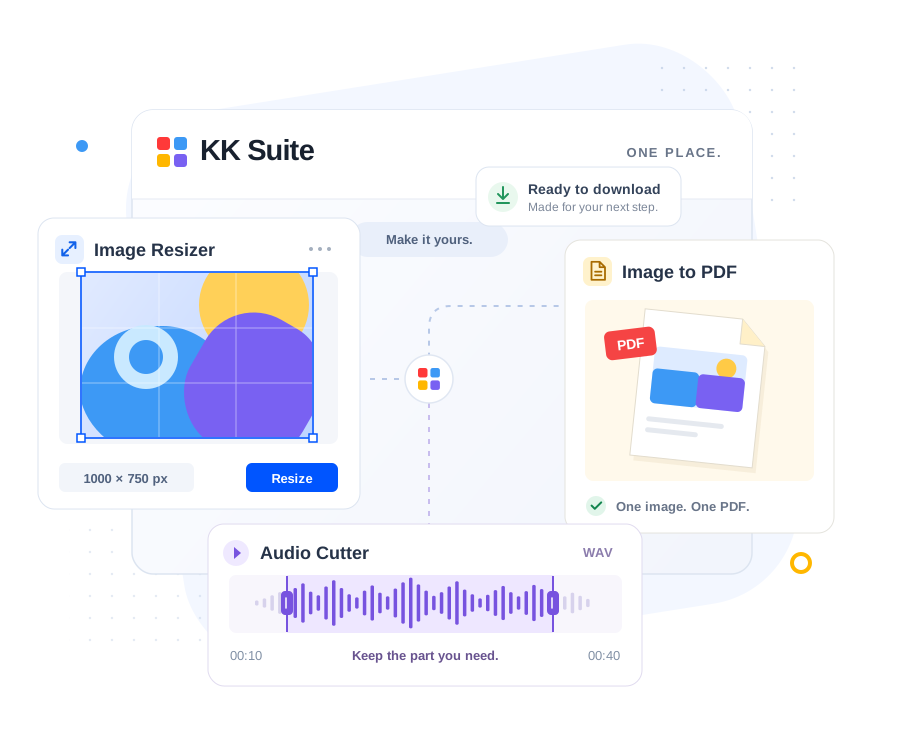
Compress JPG/PNG/WebP, resize by dimension or scale, crop, apply filters, add borders and convert formats.
Explore image toolsIMAGE. PDF. CODE. AUDIO. EVERYDAY TOOLS.
Free online tools for images, PDF documents, developer code, audio tracks and everyday calculations. Fast, private and processed directly in your browser.
Convert, compress and edit your files in a few simple steps.
Convert JPG and JPEG images into clean, standardized PDF documents.
Convert PNG to JPG with adjustable quality and a custom transparency background.
Reduce JPG, PNG and WebP file size with adjustable quality and dimensions.
Convert JSON data into clean, indented YAML syntax.
Format messy SQL queries with clean indentation and uppercase keywords.
Trim audio and download a selected section as a WAV file.
From a photo that needs resizing to a PDF that needs converting, find what you need in one place.
Compress JPG/PNG/WebP, resize by dimension or scale, crop, apply filters, add borders and convert formats.
Explore image toolsConvert JPG to PDF, PNG to PDF, and extract PDF pages to JPG or PNG images with 100% browser privacy.
Explore PDF toolsFormat SQL, XML and JSON, convert JSON to YAML, inspect JWT tokens, test regex and minify stylesheets.
Explore developer toolsTrim audio recordings, join multiple tracks, normalize gain, boost volume and convert to pristine WAV files.
Explore audio toolsCreate high-resolution QR codes, generate secure passwords, count words, calculate dates and percentages.
Explore utility toolsSMALL TASK. DONE.
A few useful starting points for the files already on your device.
Get the format and file size right before you send it.
Turn your pictures into a PDF, or bring separate documents together.
Make a query easier to read or check the length of your next draft.
Practical walkthroughs, worked examples and clear explanations of what each tool supports.
Convert a supported image into a real PNG file, then check dimensions, transparency and size. Try the downloadable example to see what JPG flattening changes.
Read GuideA measured workflow for image upload limits: check the destination requirements, resize only when allowed, then compare the exported file with the byte limit.
Read GuideUnderstand the difference between a PCM editing file and a lossy delivery file, with reproducible size calculations and clear limits for KK Suite audio exports.
Read GuideFiles selected from your device are processed in your browser.
Choose a tool and start working. No account or software installation required.
Clear settings, previews and downloads help you finish the task at hand.